Millions Of New Yorkers Aren’t Ready For Life-Saving Phone Alerts
New York is testing life-saving phone alerts. Here’s how to make sure your device is ready before it’s too late.
Officials from New York are working on a plan to make sure New Yorkers can receive urgent and potentially life-saving alerts on their phones.
New York Testing Wireless Emergency Alert

The New York City Emergency Management will conduct a citywide test of the Wireless Emergency Alert system on Thursday, September 18, around noon.
“Wireless Emergency Alerts save lives, but they only work if your phone is ready,” NYCEM Commissioner Zach Iscol stated. “We urge every New Yorker to take one minute now to opt-in and confirm their device is prepared. This simple step is critical to ensuring you receive the messages that can protect you and your family when it matters most.”
Why These Messages Are Important.

Officials say Wireless Emergency Alerts are an "essential public safety tool." These alerts keep New Yorkers informed during natural disasters, extreme weather, and other imminent threats.

"These messages can be targeted to specific neighborhoods, ensuring residents receive urgent, life-saving information quickly and directly on their phones," The NYCEM added.
Residents Encouraged To Opt-In
This test is opt-in only. Meaning, unlike real alerts, residents will only receive an alert if they "proactively" enable the WEA test setting on their devices.
Opting into the test is the only way to confirm if your phone is ready to receive any emergency alert.
Ban: These Baby Names Are No Longer Legal In New York
Top officials encourage all New Yorkers to make sure their phones is "ready" to receive real alerts in an emergency.
How To Make Sure Your Phone Is Ready
To enable WEA on an iPhone:
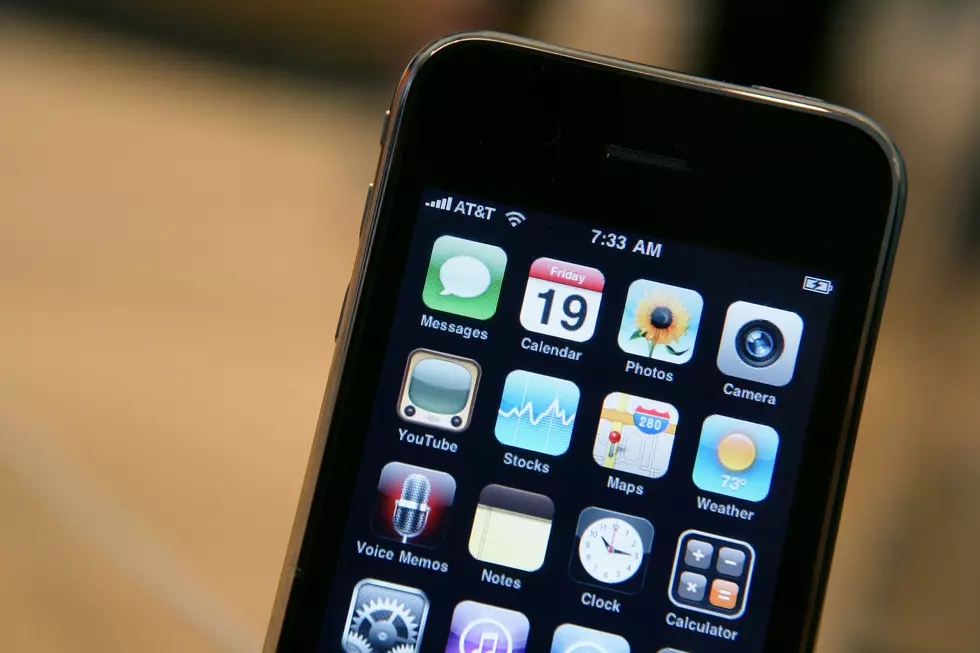
Go to Settings, tap Notifications, scroll to Government Alerts, and switch on Test Alerts.
For all the news that the Hudson Valley is sharing, make sure to follow Hudson Valley Post on Facebook, and download the Hudson Valley Post Mobile App
On Android:

Open Settings, tap Safety & Emergency or Notifications, select Wireless Emergency Alerts, and turn on State and local tests.
Keep Reading:
Here Are the Tips You Need to Fight Freezing Weather
Here Are the Tips You Need to Fight Freezing Weather
Gallery Credit: Joe Cunningham
12 Things All New Yorkers Need to Have in Their Cars This Winter
12 Things All New Yorkers Need to Have in Their Cars This Winter
Gallery Credit: Megan
Ten Worst Jobs to Have During a Freezing Polar Vortex
Ten Worst Jobs to Have During a Freezing Polar Vortex
More From Hudson Valley Post